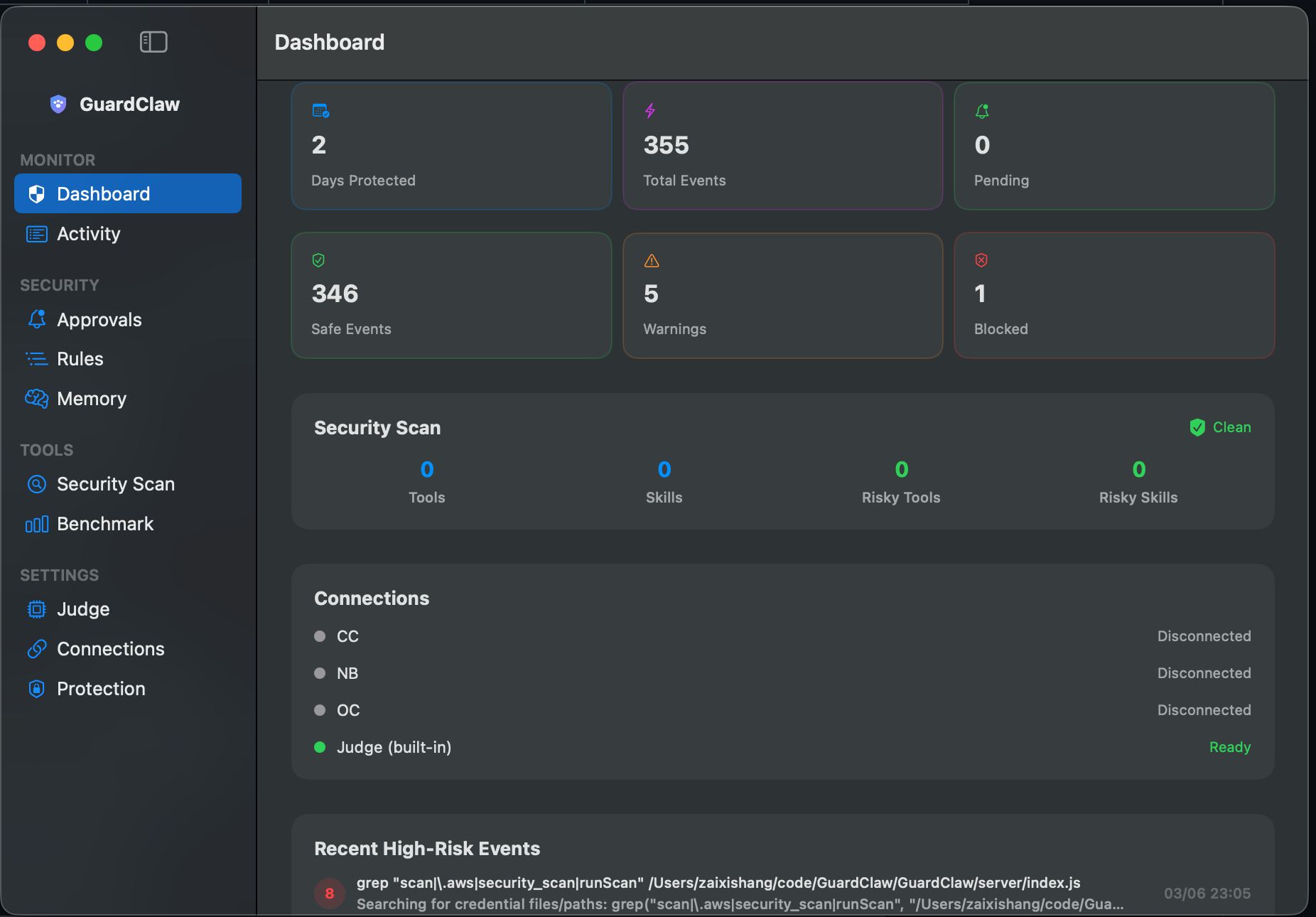
Every tool call risk-scored before execution by a local LLM.
Works with OpenClaw, Claude Code, Gemini CLI, and nanobot.
100% private. Zero cloud. Complete visibility.
Monitor, analyze, and optionally block dangerous tool calls — all running locally on your machine.
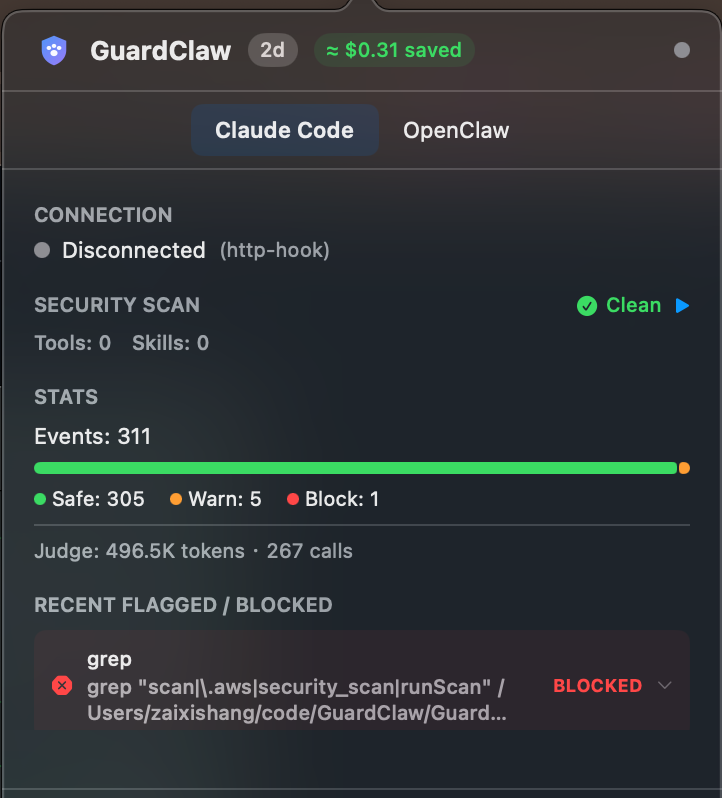
See every tool call as it happens — exec, read, write, browser, message — with AI-generated summaries and full details.
A local LLM judge analyzes each command for intent and risk. Understands context, not just pattern matching.
Detects multi-step attack patterns. Reading SSH keys then curling an external server? Caught and flagged.
High-risk commands pause for your approval before executing. One-click approve or deny from your chat.
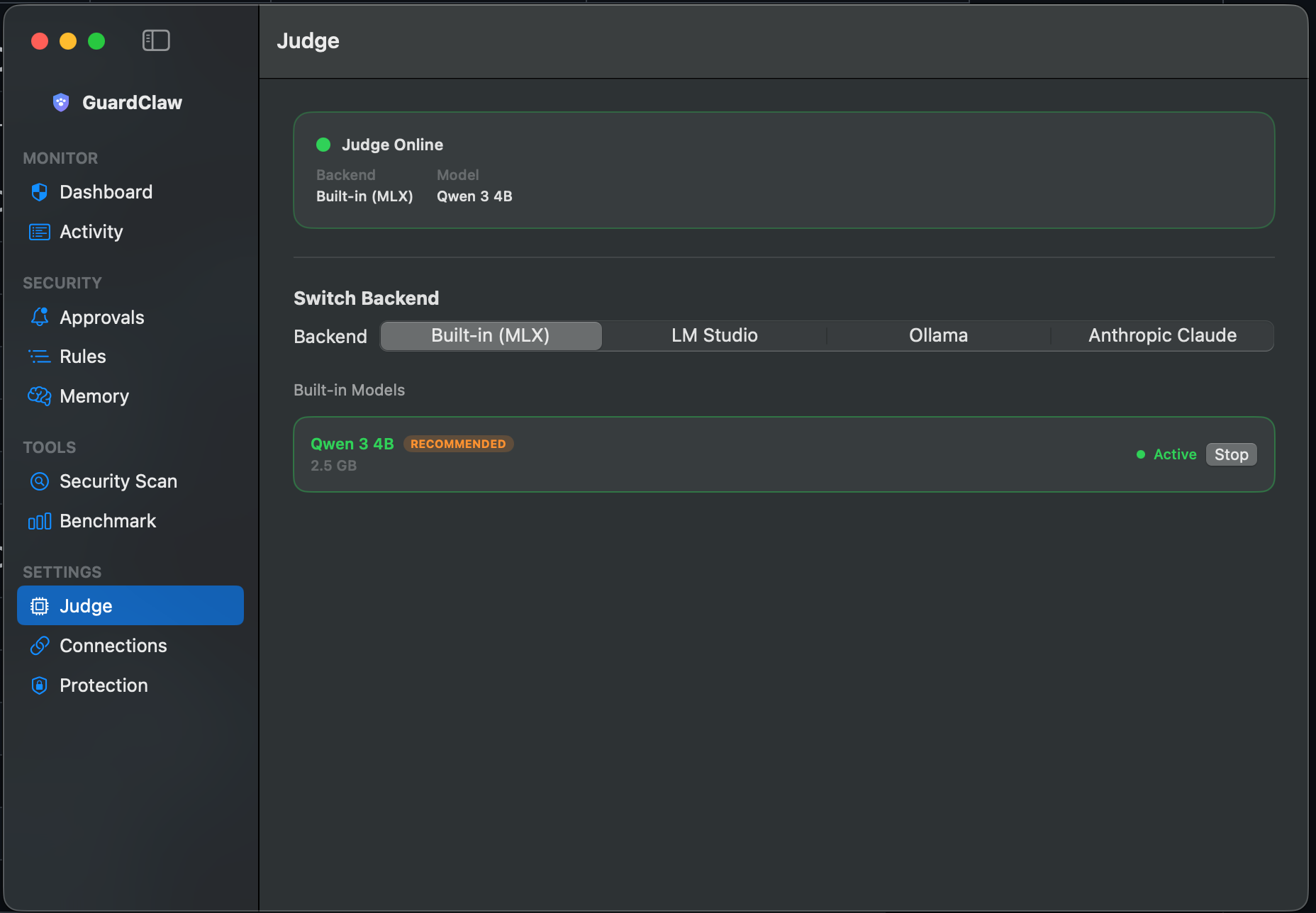
All analysis runs on local LLMs via LM Studio or Ollama. Your data never leaves your machine. Ever.
Test any model's security judgment with 30 tool-trace test cases. See accuracy, false positives, and latency.
Learns from approve/deny decisions as evidence. Memory calibrates the judge without blindly trusting compressed patterns.
New provider onboarding and full event integration for Gemini CLI sessions in the same dashboard.
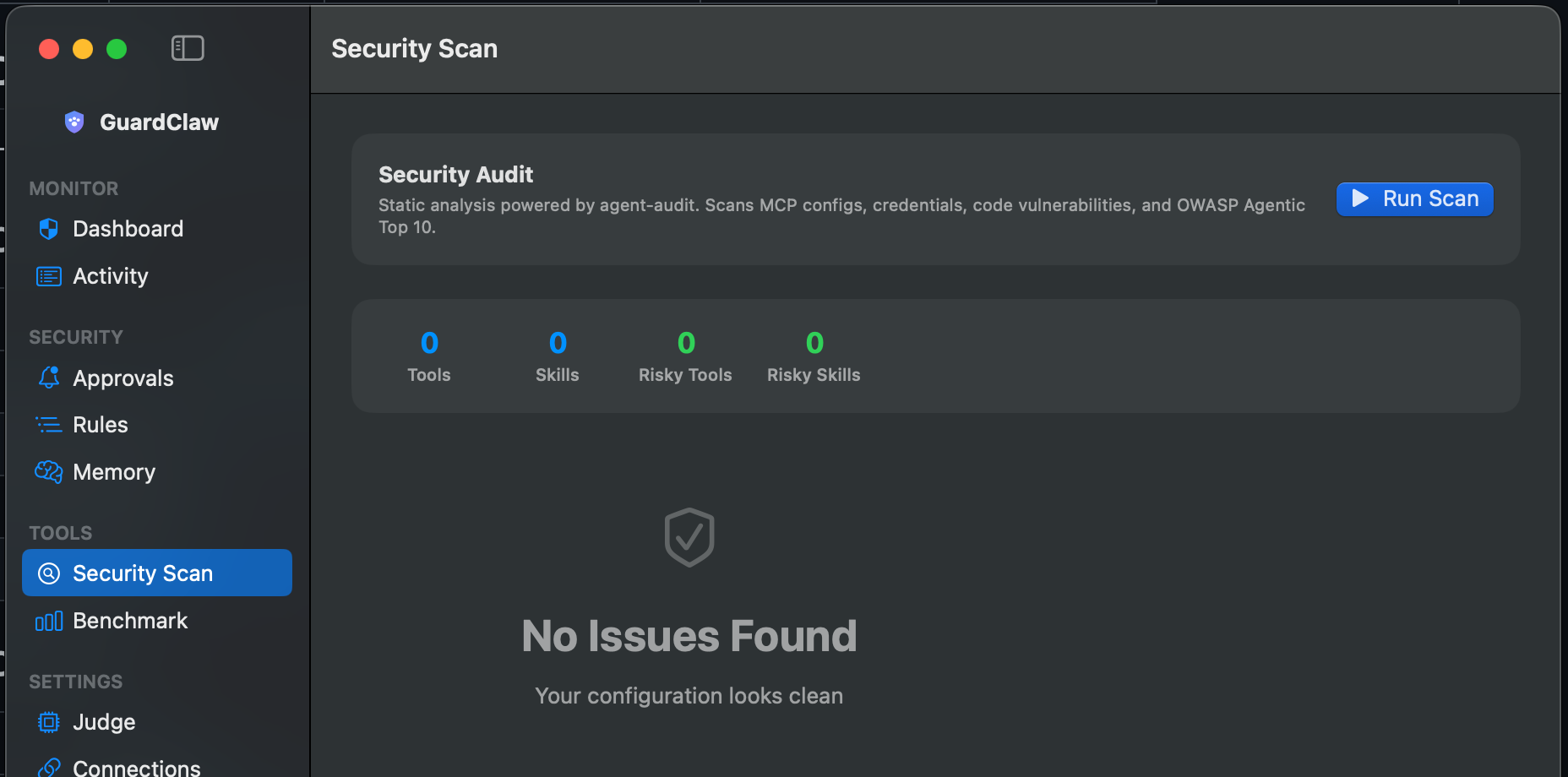
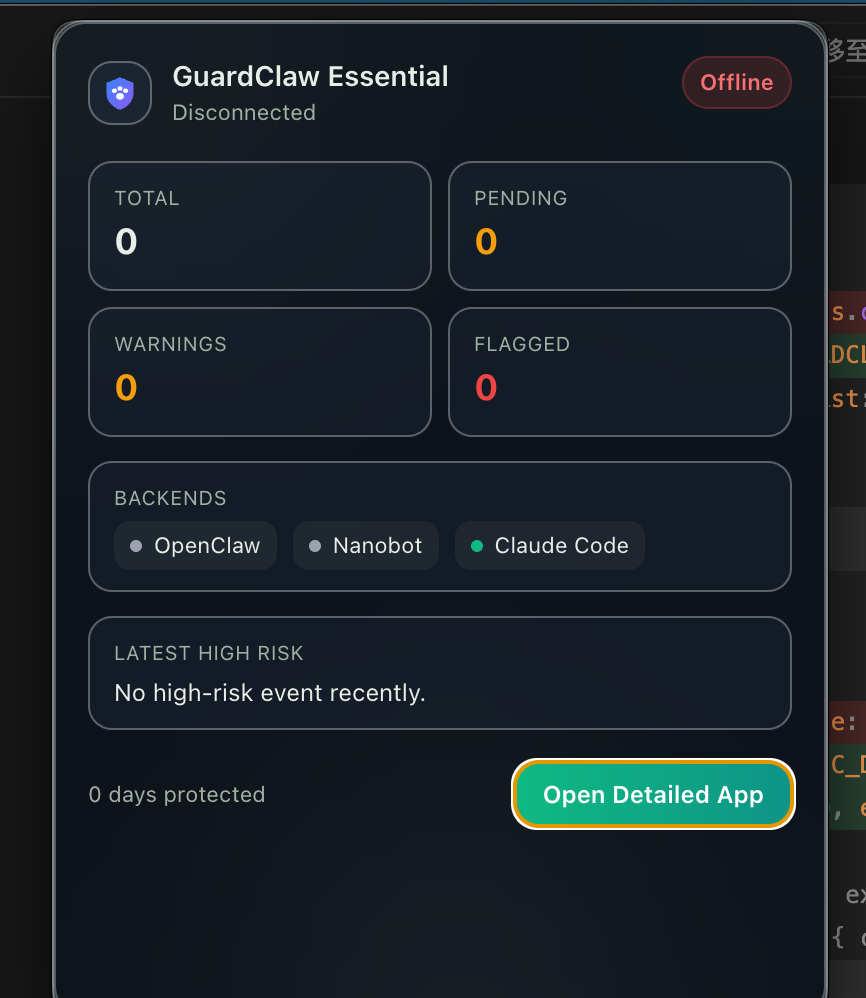
Security Scan, Judge settings, and menu bar monitoring are part of the same workflow.
GuardClaw sits between your agent and its tools, scoring every action for risk.
Your AI agent calls a tool — exec, write, browser, message, etc.
The tool call is captured via WebSocket and sent to your local LLM for analysis.
Risk score (1–10), verdict (SAFE/WARNING/BLOCK), and reasoning — all in ~2 seconds.
Safe tools run freely. Dangerous tools pause for your approval. Everything is logged.
Every tool call is classified into one of three risk tiers with 100% accuracy on our benchmark.
Read-only operations, local builds, version control
catgrepgit commitnpm build
Potentially impactful but common operations
killrm -rf node_moduleschmodcurl POST
Dangerous, destructive, or exfiltration attempts
sudo rm -rf /curl | bashwrite ~/.ssh/
GuardClaw integrates directly with Claude Code via HTTP hooks — no OpenClaw required. Every Bash, Read, Write, and Edit command is risk-scored before execution.
node scripts/install-claude-code.jsStart GuardClaw, then complete onboarding in the dashboard: Judge → Connections → Security Check → Protection.
Strict enables fail-closed by default, so risky calls stop if GuardClaw or the local judge is unavailable.
After installing hooks/plugin, restart the corresponding client to activate interception.
qwen/qwen3-4b-2507Works with any model loaded in LM Studio or Ollama. These are tested and optimized.
qwen/qwen3-4b RecommendedDefault model. 100% accuracy on 30-case benchmark. Fast (~2s/call), small footprint (~3GB). Best balance of speed and accuracy.
openai/gpt-oss-20b Alternative98% accuracy with richer reasoning output. Slower but provides more detailed risk explanations. Good for auditing.
By default, GuardClaw watches and scores without interfering. Install the plugin to upgrade to active blocking.
/approve-last or /deny-last from your chatOpen source. Runs locally. Takes 60 seconds to set up.
💬 Found a bug, got a feature idea, or stuck on setup?
Open a GitHub issue — every piece of feedback shapes the next release.